Downloads Genie – Automatically Organize Your Downloads Folder
Keep your Downloads folder clean—without thinking about it
A simple Windows app that automatically sorts, previews, and cleans up your downloads so you can stay organized with zero effort.

Stop Letting Your Downloads Folder Turn Into a Mess
Your Downloads folder fills up fast—documents, images, installers, ZIP files, and everything in between.
Downloads Genie keeps things under control automatically, so you don’t have to waste time searching, sorting, or cleaning up.enaming large groups of files shouldn’t feel risky or tedious.
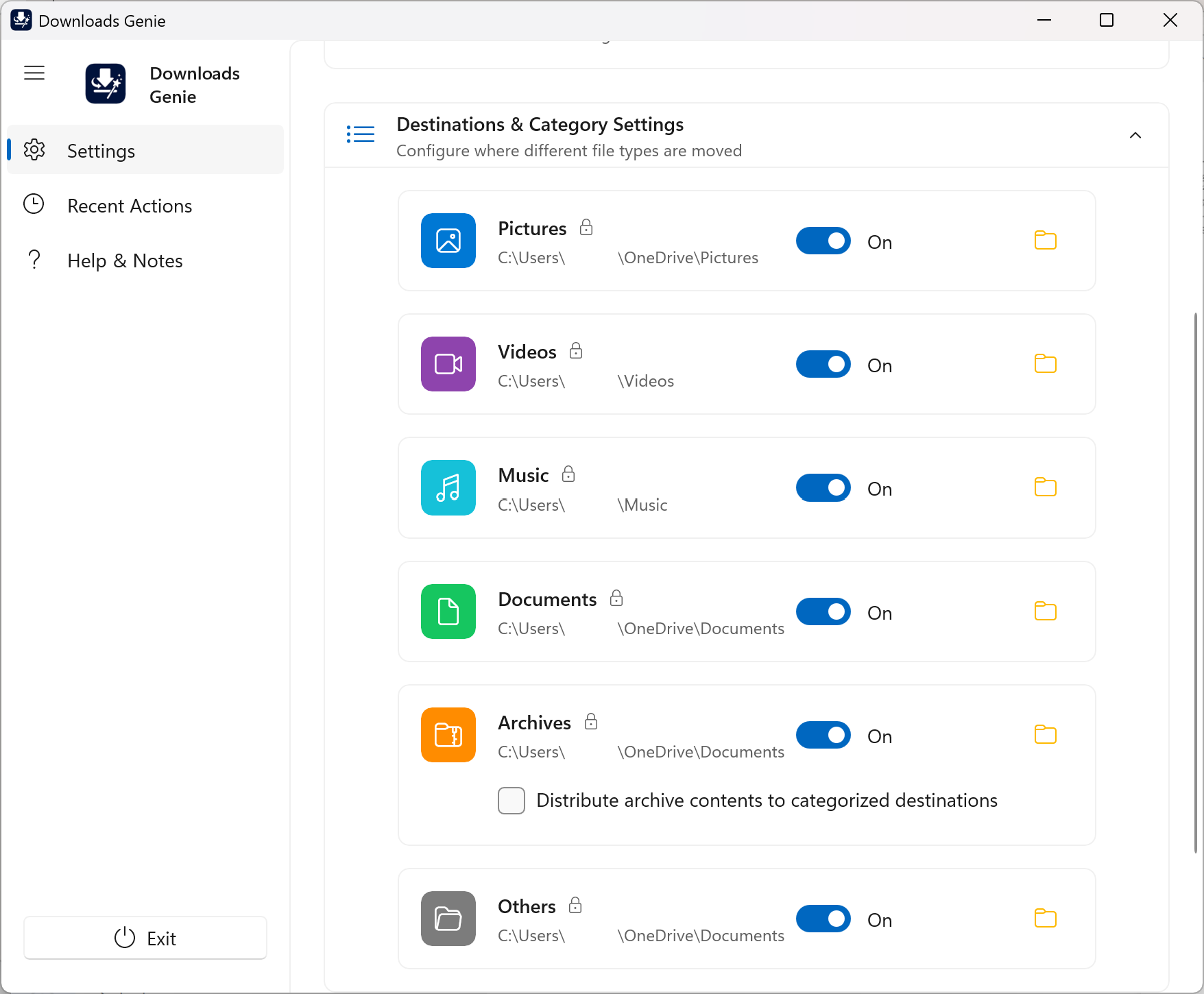
Automatically Sort Files the Moment They Arrive
Detects new downloads instantly
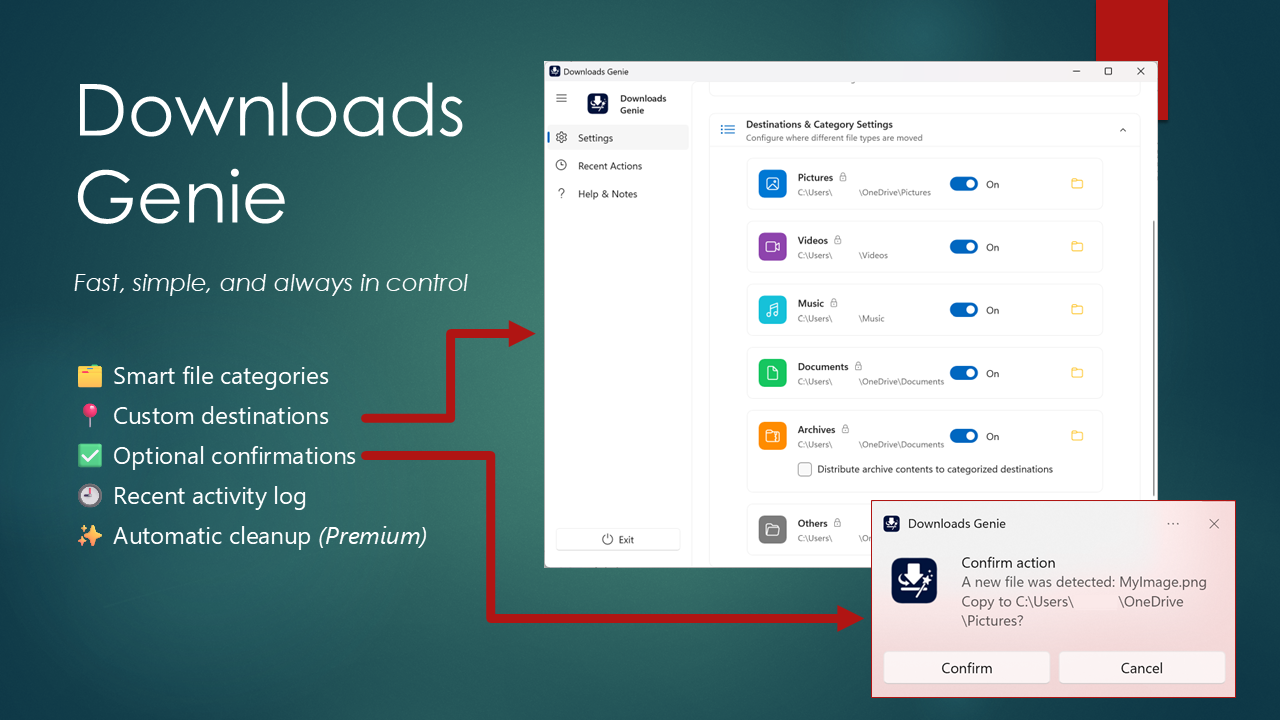
Sorts files into the right folders based on type
Keeps everything organized without manual effort
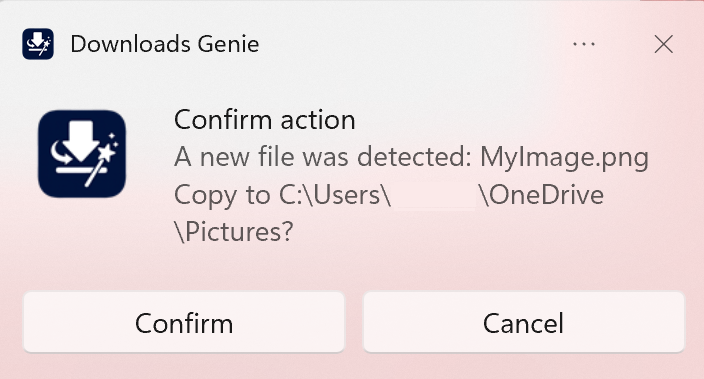
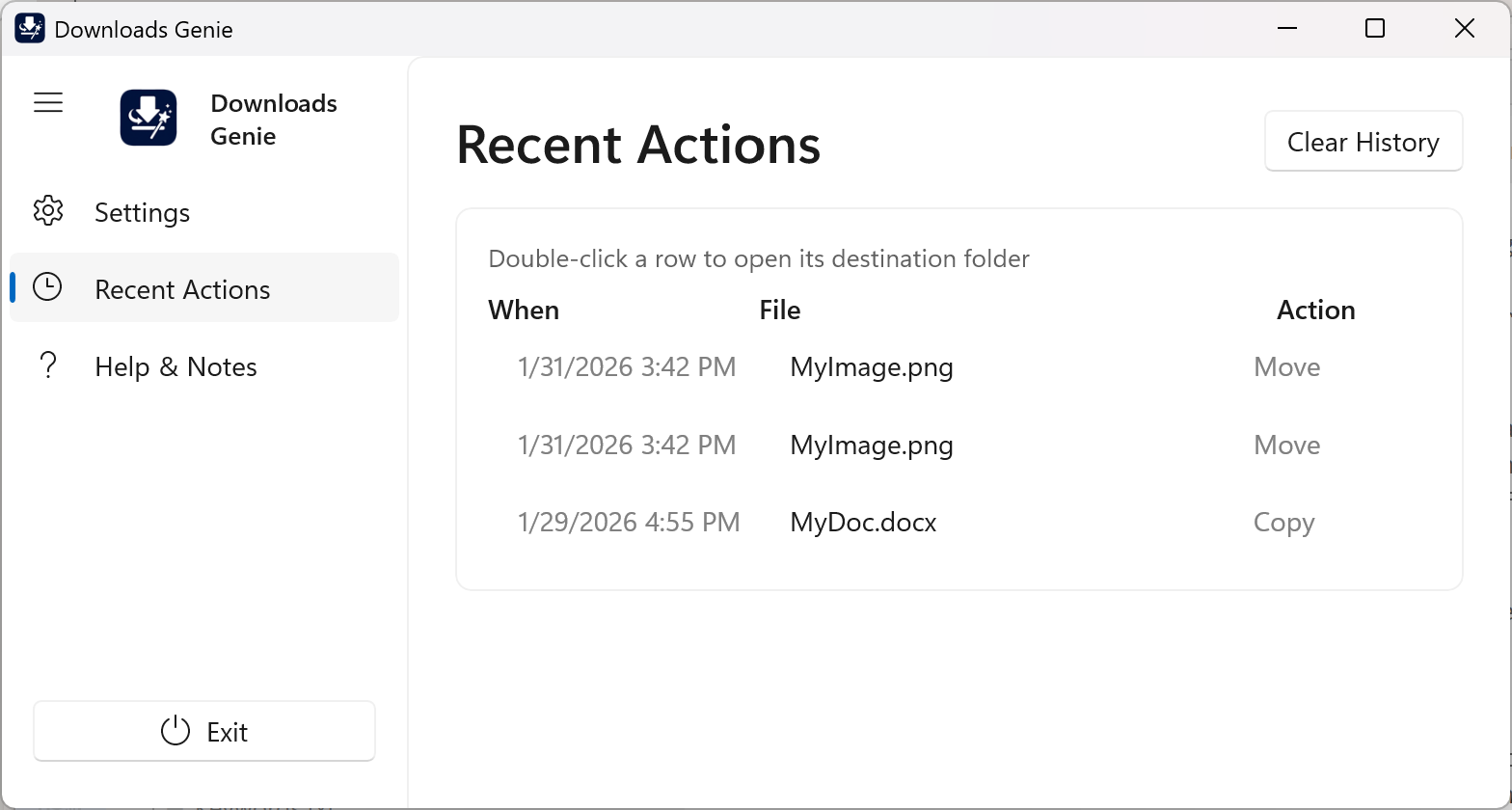
Preview and Confirm Every Change
Trial mode lets you see how files will be organized
Files are copied (not moved) for safe evaluation
Every action can require your confirmation
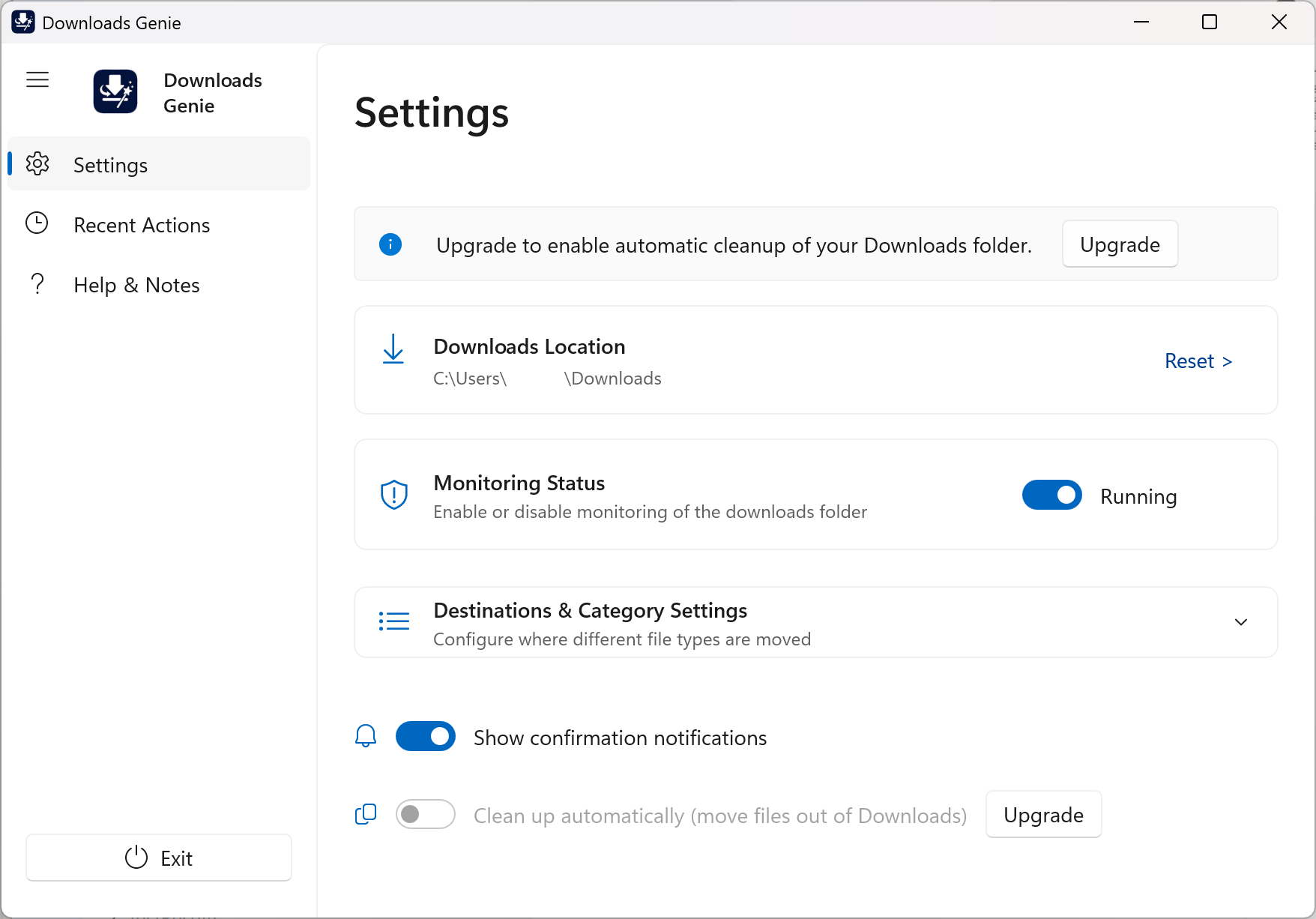
Upgrade to enable fully automatic cleanup
Go Beyond Sorting—Handle Archives Automatically
Extract ZIP files and organize their contents
Distribute files to the correct folders automatically
Eliminate extra steps in your workflow
Keep Your Downloads Folder Clean (Premium)
Automatically move files out of Downloads
Prevent clutter from building up over time
Maintain a clean workspace without thinking about it
Designed for Simplicity
No complicated setup or rules to configure
Sensible defaults that just work
Clean, straightforward interface
How It Works
1. Download files as usual
No changes to your normal workflow.
2. Downloads Genie detects and sorts them
Files are automatically placed into the right folders with optional confirmation and cleanup.
3. Stay organized effortlessly
Your Downloads folder stays clean and manageable.
Who It’s For
Everyday Users
Keep your PC clean without extra effort.
Students & Professionals
Quickly find documents without digging through clutter.
Creators
Automatically organize images, media, and project files.
Heavy Downloaders
If your Downloads folder is always a mess, this fixes it!
Free Trial Available
Try it risk-free and see the results before committing.
Files are copied (not moved) during trial mode
Preview exactly how your folders will look
Upgrade to enable optional full automatic cleanup
Take Back Control of Your Downloads Folder
Stop wasting time searching through clutter—and stop cleaning up manually.
Download Downloads Genie and keep your system organized automatically.
Built by an experienced software engineer focused on practical, reliable tools.