Rename Genie – Batch Rename Files with Confidence
Rename files in bulk—quickly, safely, and predictably
A powerful Windows app for batch renaming with previews, metadata support, and built-in safeguards to prevent mistakes.
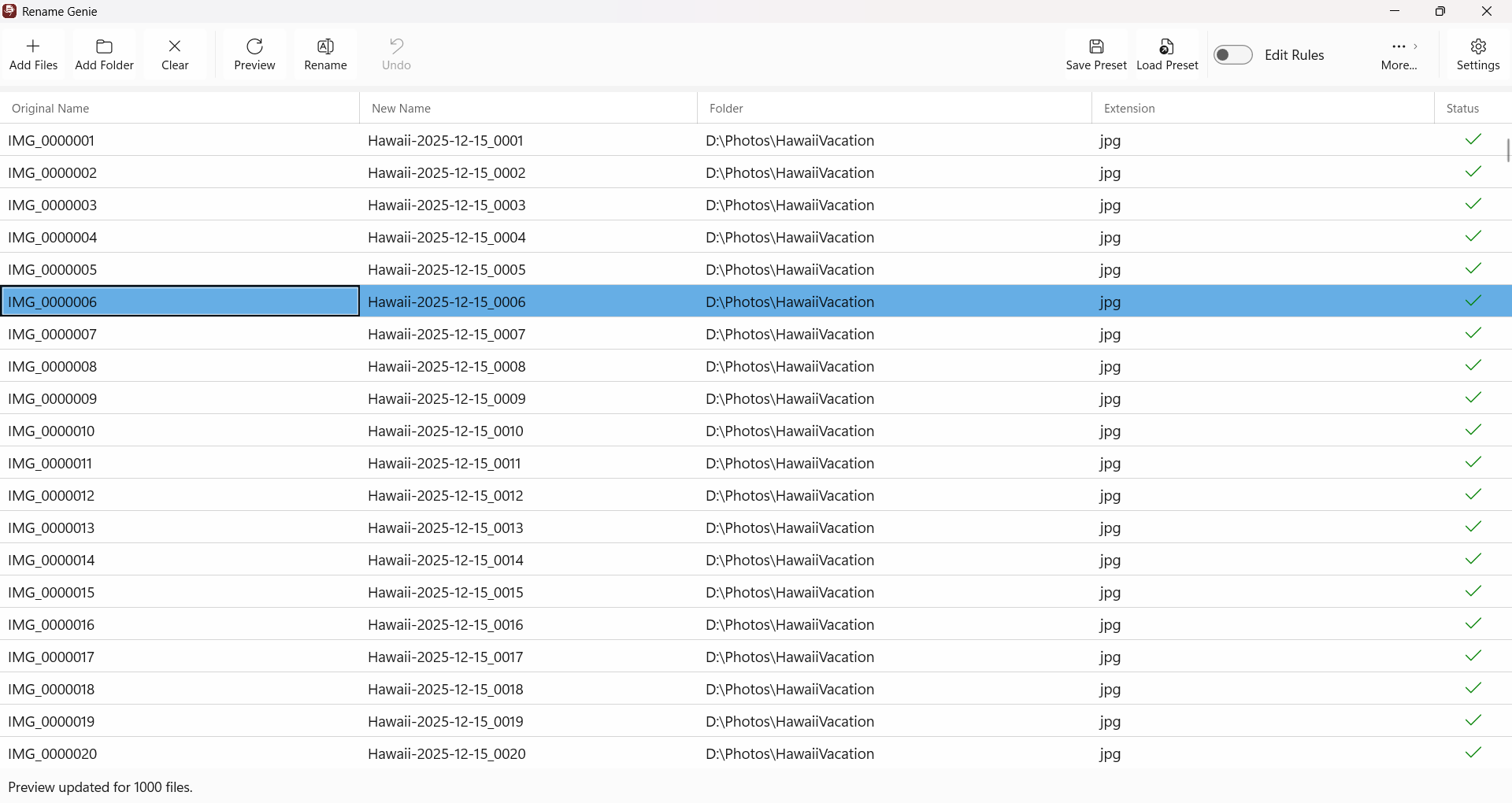

Organize Your Files Without the Headaches
Renaming large groups of files shouldn’t feel risky or tedious.
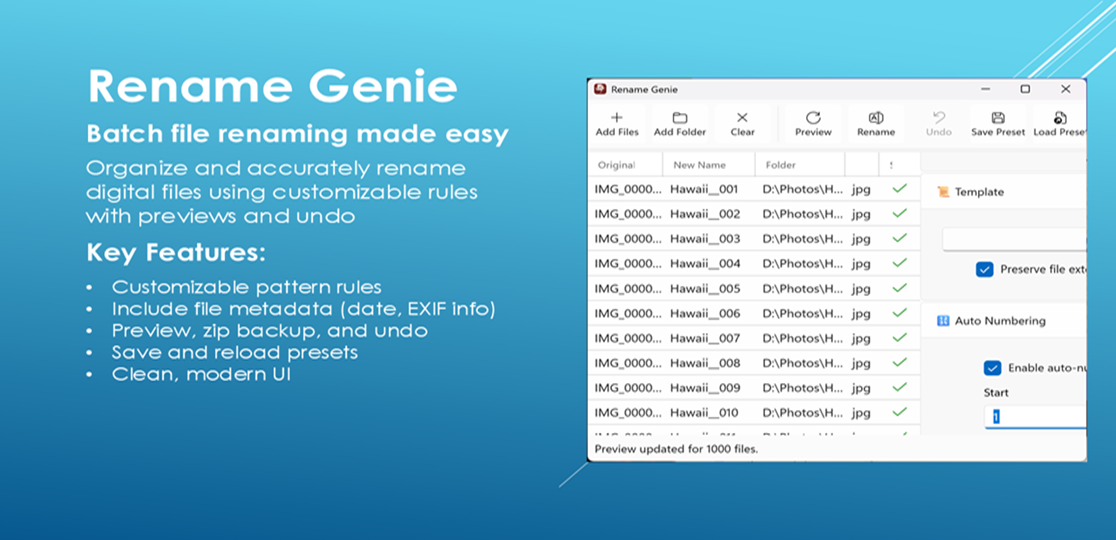
Rename Genie gives you precise control over file names with powerful rules, real-time previews, and safety features—so you can organize your files with confidence instead of guesswork.
See Exactly What Will Happen—Before It Happens
Full before/after preview of every file
Catch mistakes early and adjust instantly
No surprises, no broken workflows
Build Powerful Naming Rules (Without the Complexity)
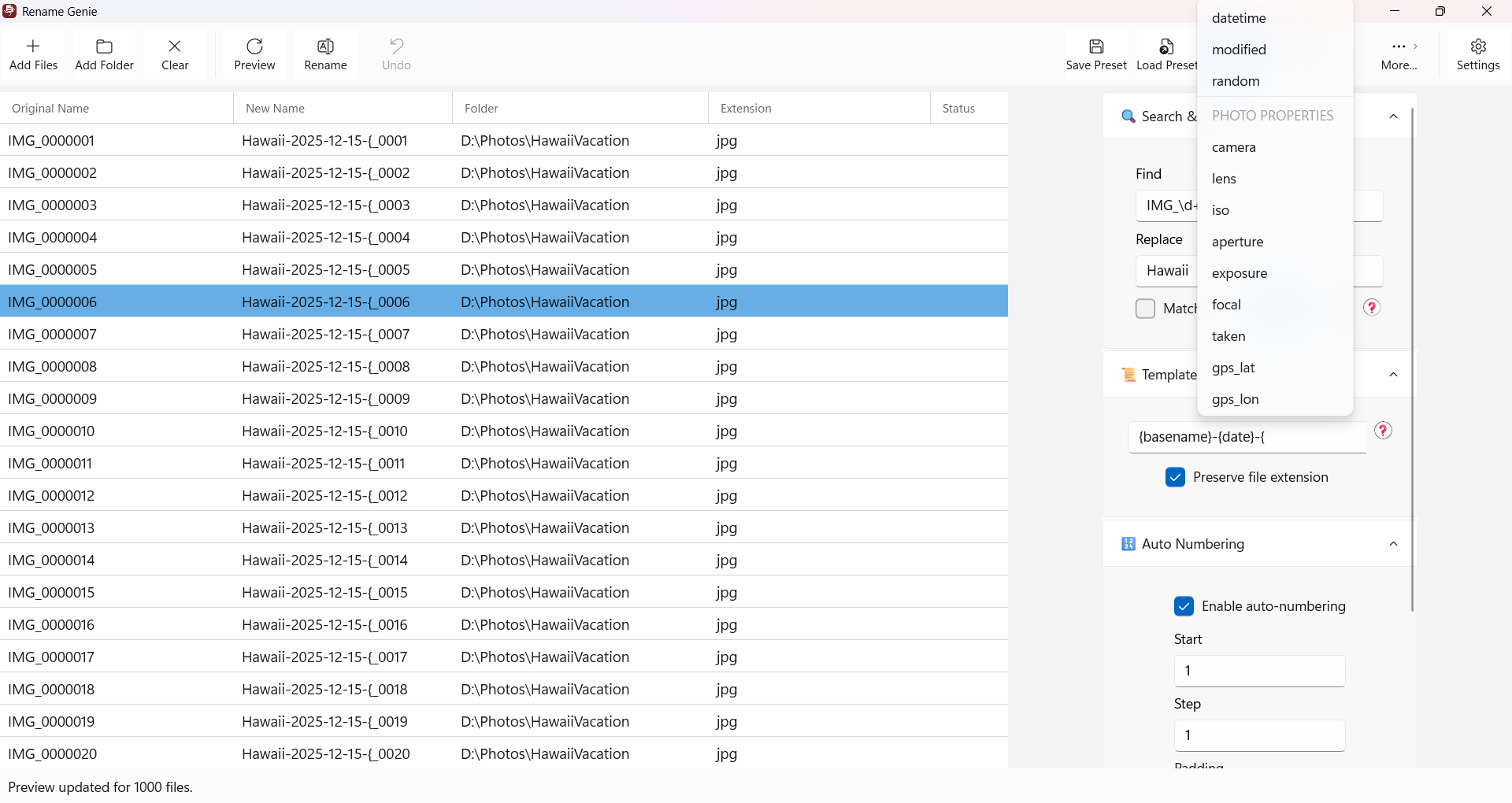
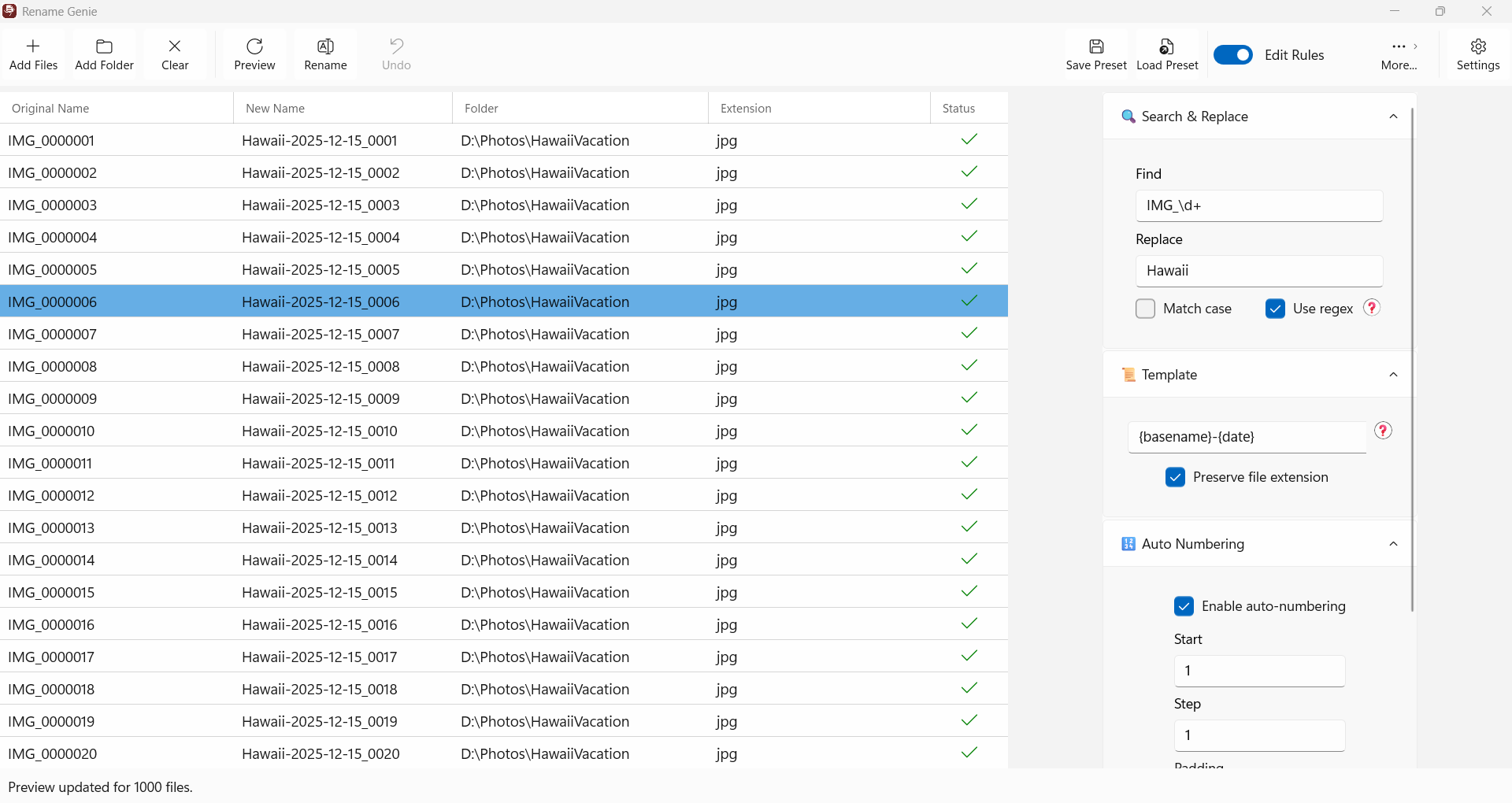
Create flexible patterns using sequences and variables
Automatically include dates, numbering, or custom text
Handle simple or complex renaming tasks with ease
Use File Metadata to Stay Organized
Insert file dates, EXIF data, and other metadata into filenames
Perfect for photo libraries, documents, and archives
Keep your files meaningful and searchable
Built for Safety and Control
Automatically back up renamed files to a ZIP archive
Undo your last rename operation instantly
Experiment freely without risking your data
Save Time on Repetitive Tasks
Create and reuse presets for common workflows
Rename hundreds of files in seconds
Eliminate manual renaming forever
Clean, Fast, and Easy to Use
Modern, distraction-free interface
Drag-and-drop file support
Designed to stay out of your way while you work
How It Works
1. Add Your Files
Drag and drop files or folders into the app.
2. Define Your Rules
Set up naming patterns using text, numbering, or metadata.
3. Preview and Apply
Review every change, then rename with confidence.
Who It’s For
Photographers
Organize photos by date, shoot, or metadata automatically.
Developers
Normalize filenames across projects and assets.
Writers & Content Creators
Clean up drafts, versions, and exported files.
Anyone Managing Lots of Files
If you’ve ever renamed files one-by-one, this is for you.
Free Trial Available
Try all features before committing
Full access to all functionality
Rename up to 10 files per batch during trial
Upgrade when you’re ready for unlimited renaming.
Take Control of Your File Organization
Stop wasting time on manual renaming — and stop worrying about mistakes.
Download Rename Genie and organize your files with confidence.
Built by an experienced software engineer focused on practical, reliable tools.